# Page Help
# Overall Description
- Support basic operations on paragraphs: play, pause, fast rewind, fast forward and double speed play
- Support scaling the waveform and setting whether the waveform moves when playing
- Support seamless/slotted interception of speech, move, modify the duration and delete the intercepted paragraphs, and translate the intercepted paragraphs
- Provide multiple shortcut keys to improve annotation efficiency, and support statistical annotation quantity for annotators to view in real time
# Status Description
In all paragraph pop-up windows, the meanings of each status are as follows:
 :The paragraph is currently selected
 :The paragraph is incomplete
 :The paragraph was inspected as unqualified
 :This paragraph has been modified error item
# Audio Operation
Play/Pause: Click the Play/Pause button in the toolbar or use Space to play/pause the audio

Rewind/fast forward: Click the rewind/fast forward button in the toolbar or use Ctrl+Q/Ctrl+E to rewind/fast forward audio. You can modify the rewind/fast forward granularity in the Settings

Adjust the playback speed: Select double speed on the toolbar or use the shortcut key +/- to adjust the playback speed

Waveform scaling: Use the mouse wheel or the shortcut key ~/shift+~ to scale the waveform in the audio

Waveform automatic movement: In the Settings, you can set whether the waveform automatically follows the movement during playback. By default, it does not follow the movement automatically

# Paragraph Operation
Truncated paragraph:
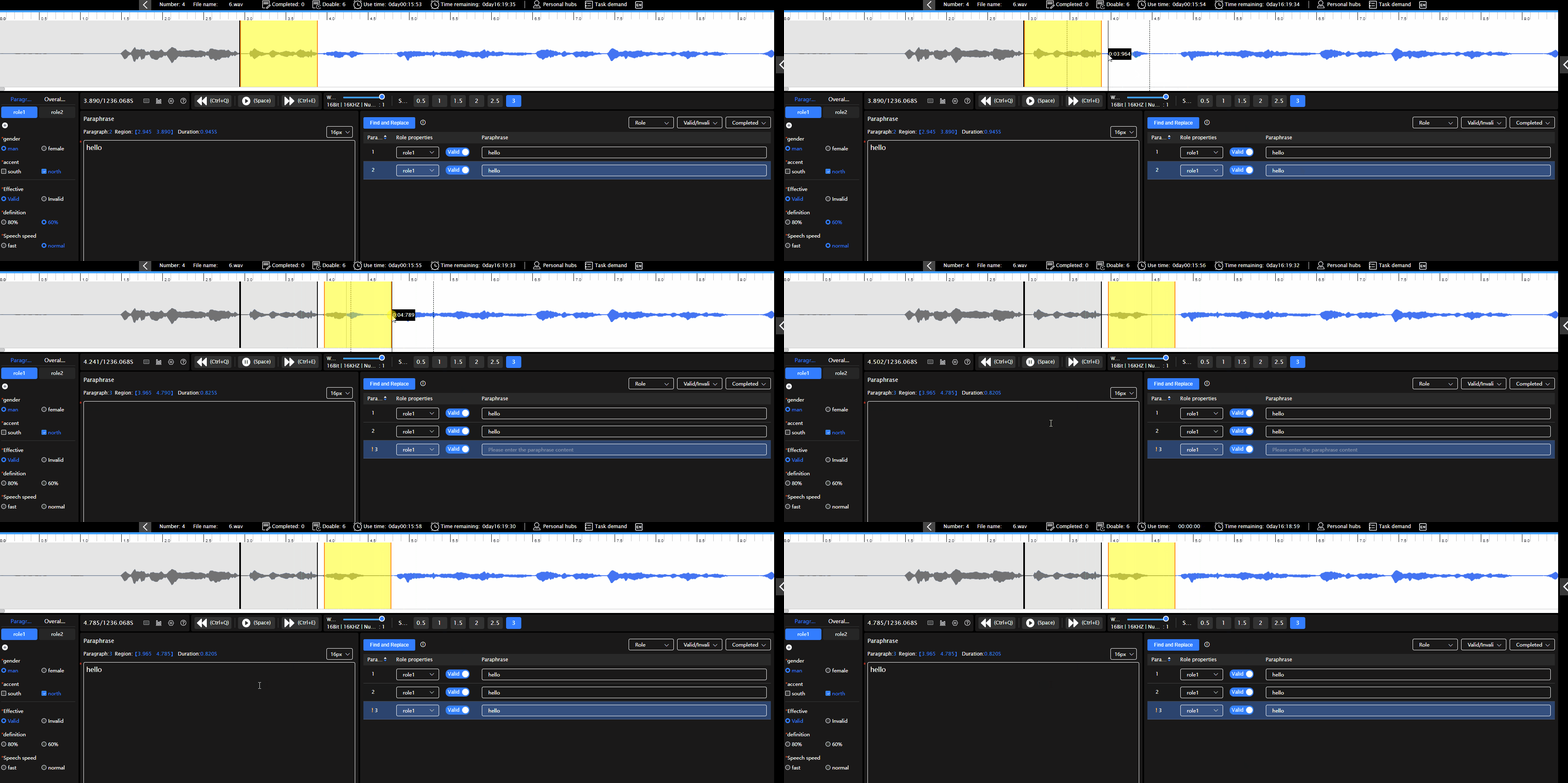
Use Alt+ Click to truncate a paragraph: The start point of a paragraph automatically defaults to the end point of the previous paragraph and can be truncated for any length of time
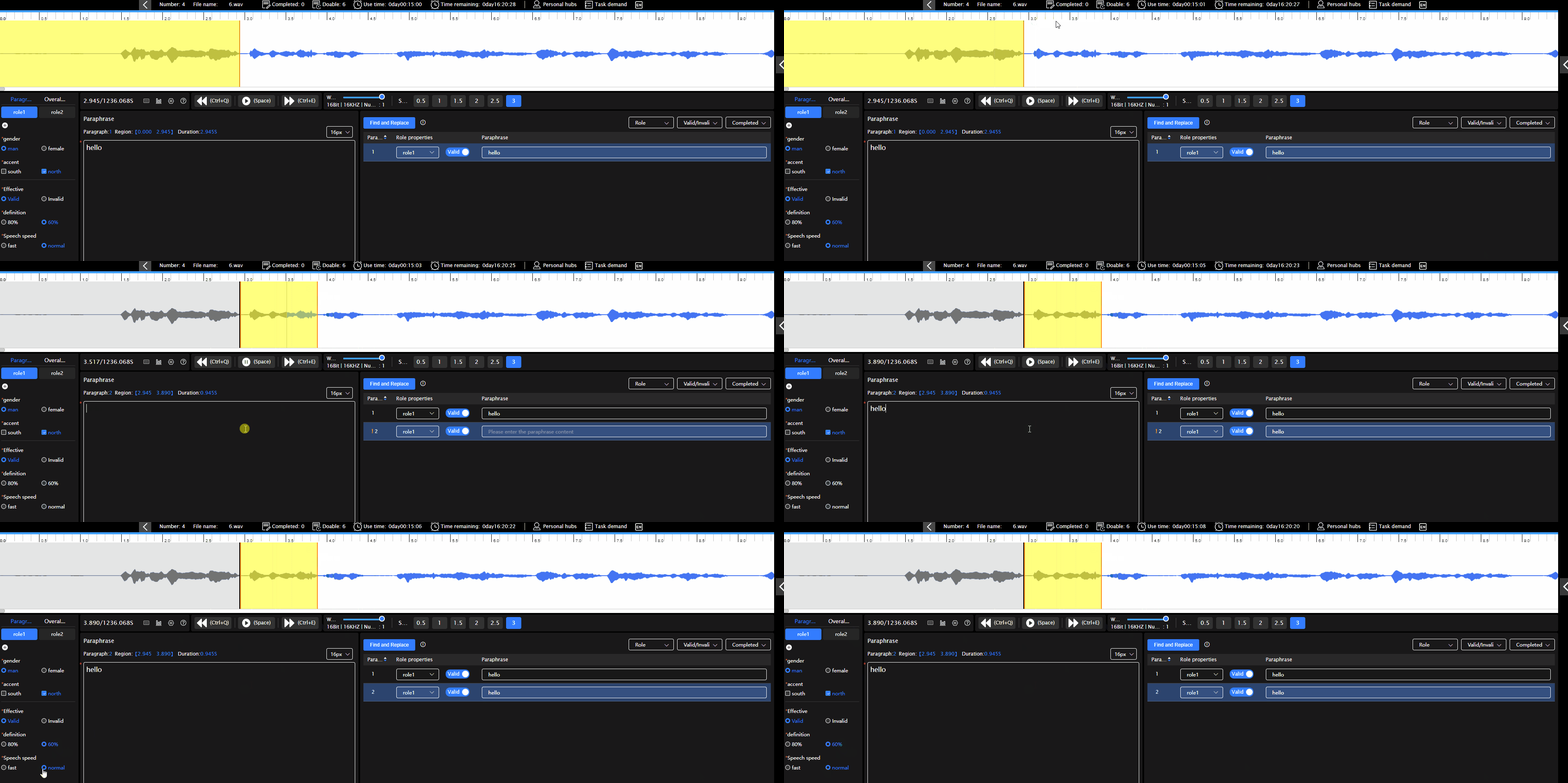
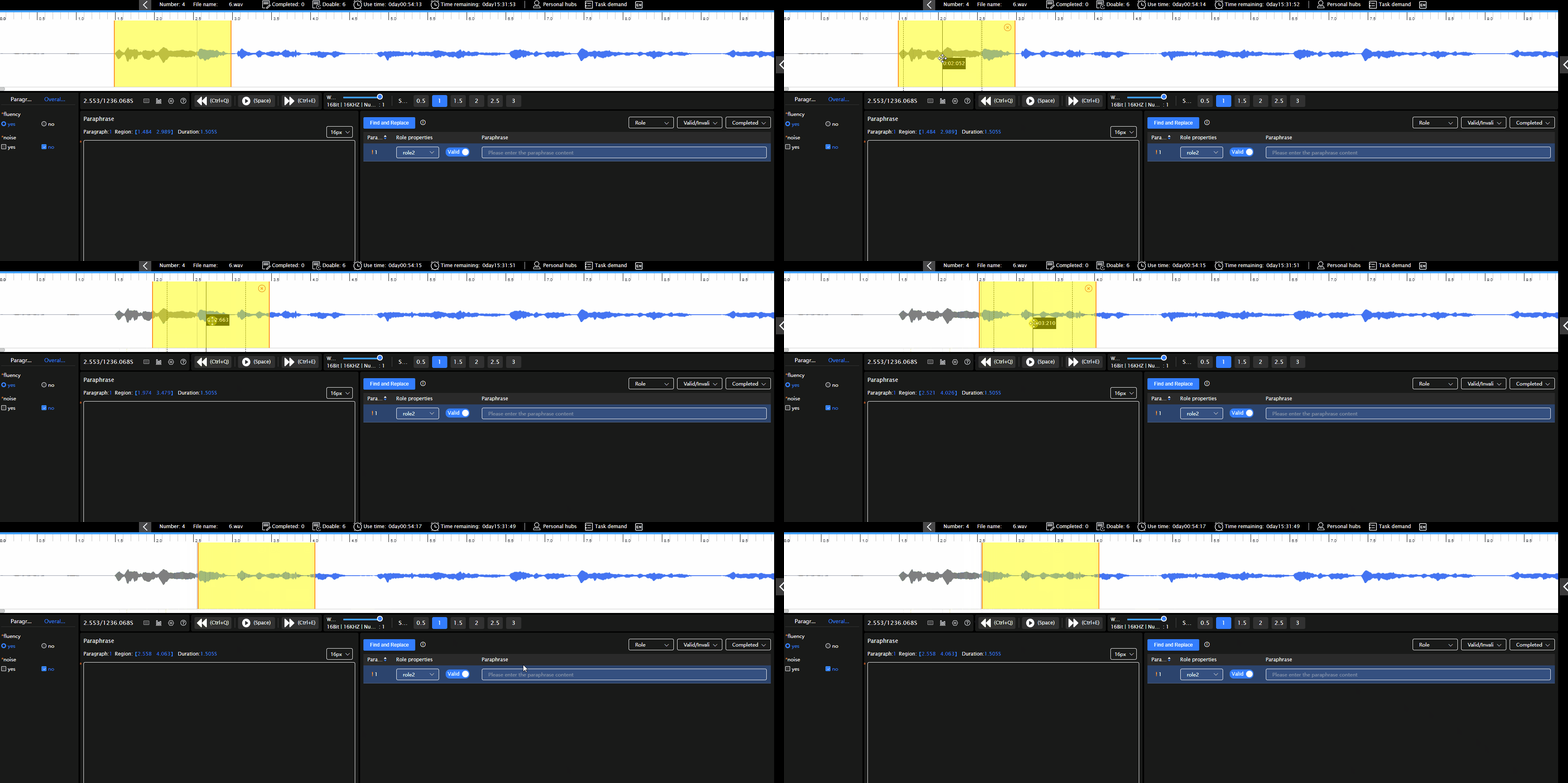
Use the left mouse button to drag and drop the intercepted paragraph: You can choose the start time of the paragraph freely, and syou can intercept any length of time
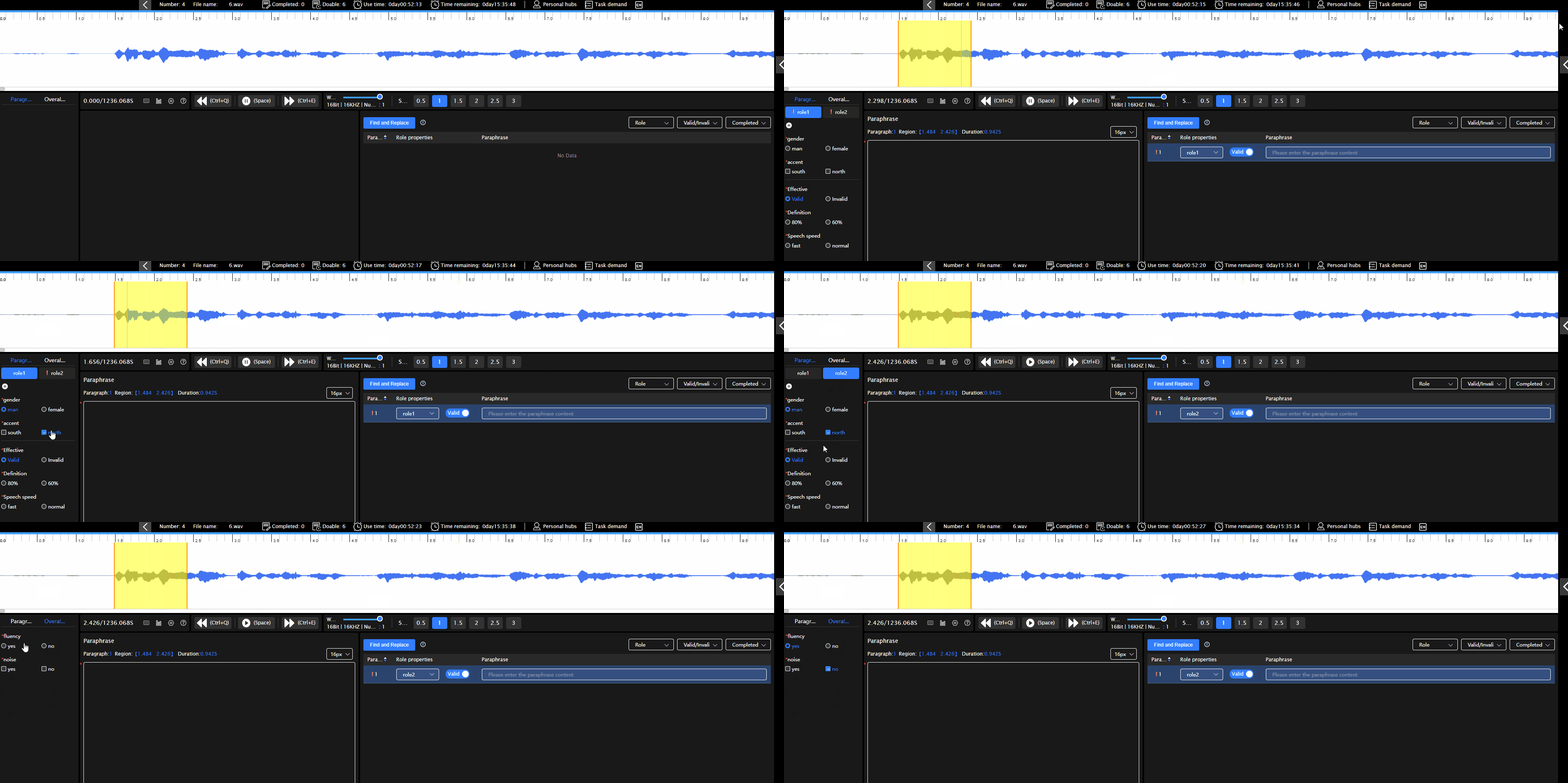
Fill in attributes: attributes are divided into overall attributes, paragraph attributes and role attributes. The overall attributes and role attributes can be filled in once, and the paragraph attribute should be filled in after intercepting the paragraph.Each paragraph needs to be filled with paragraph attributes. If the attributes are not necessarily filled, they cannot be submitted
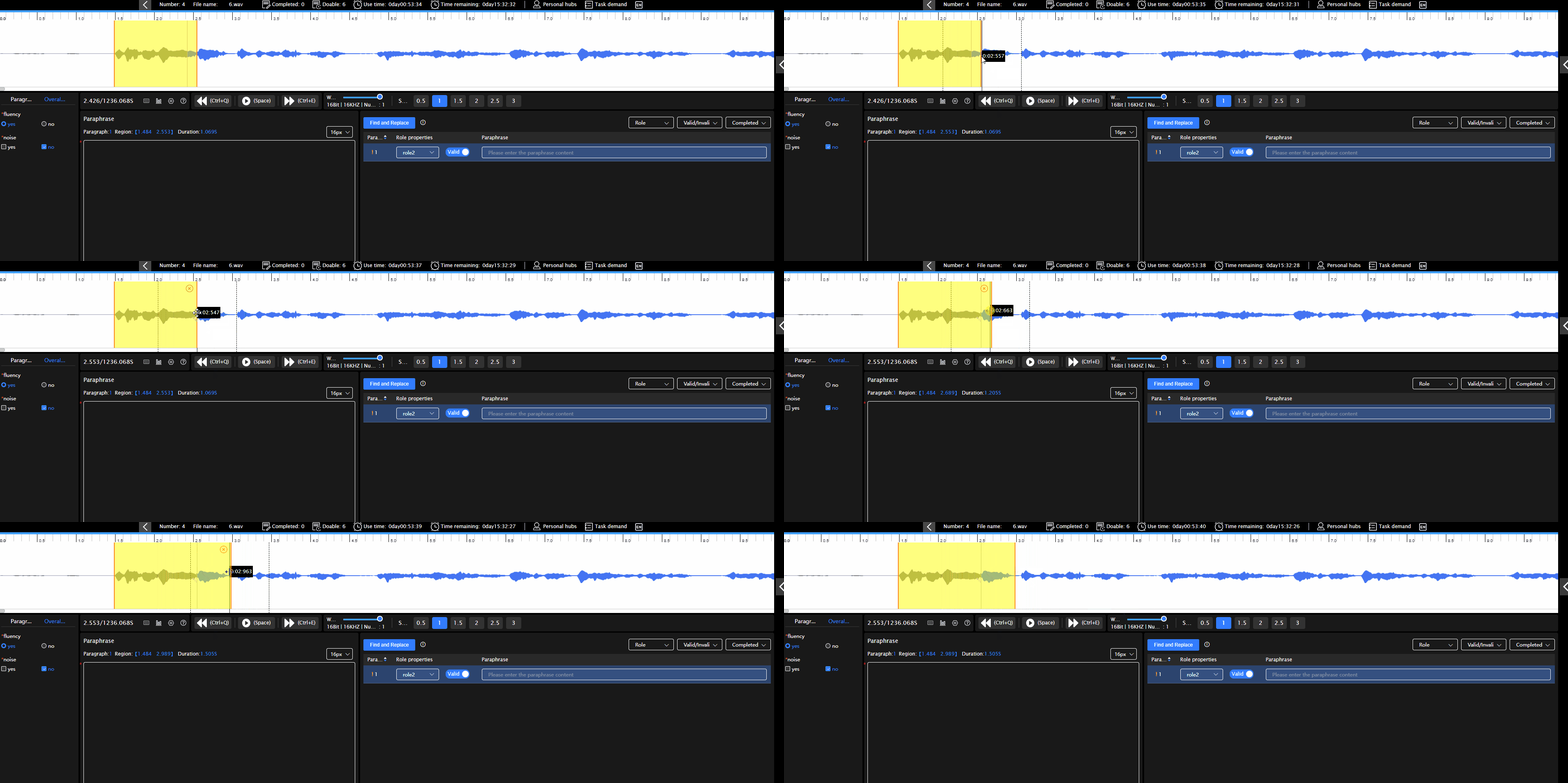
Modify paragraph duration: After intercepting a paragraph, you can modify the duration of the paragraph by dragging the mouse at the beginning/end of the paragraph
Move the paragraph: Place the mouse over the paragraph and use the left mouse button to move it
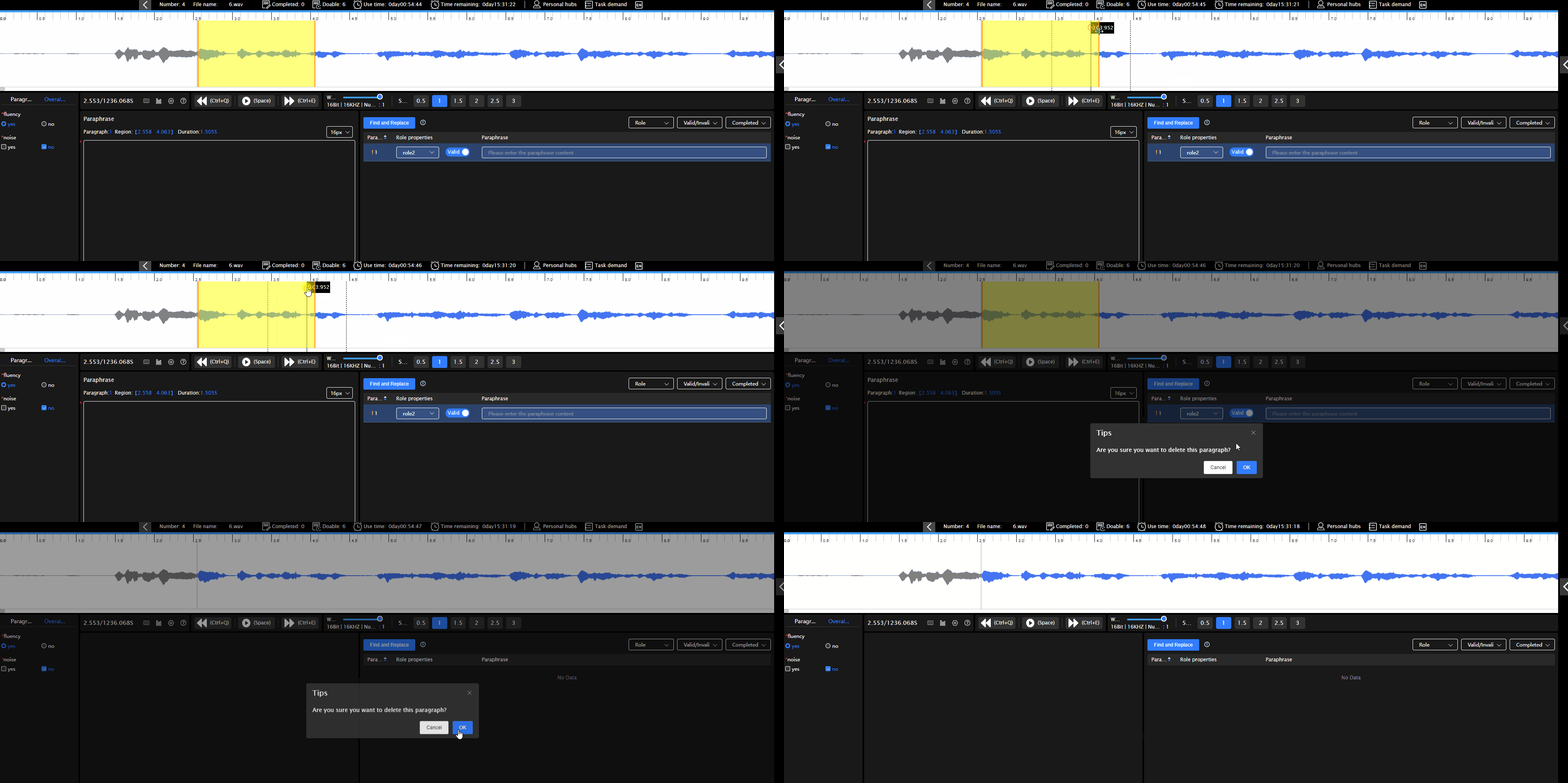
Delete the paragraph: Click the × in the paragraph or select the paragraph and press Delete to delete it
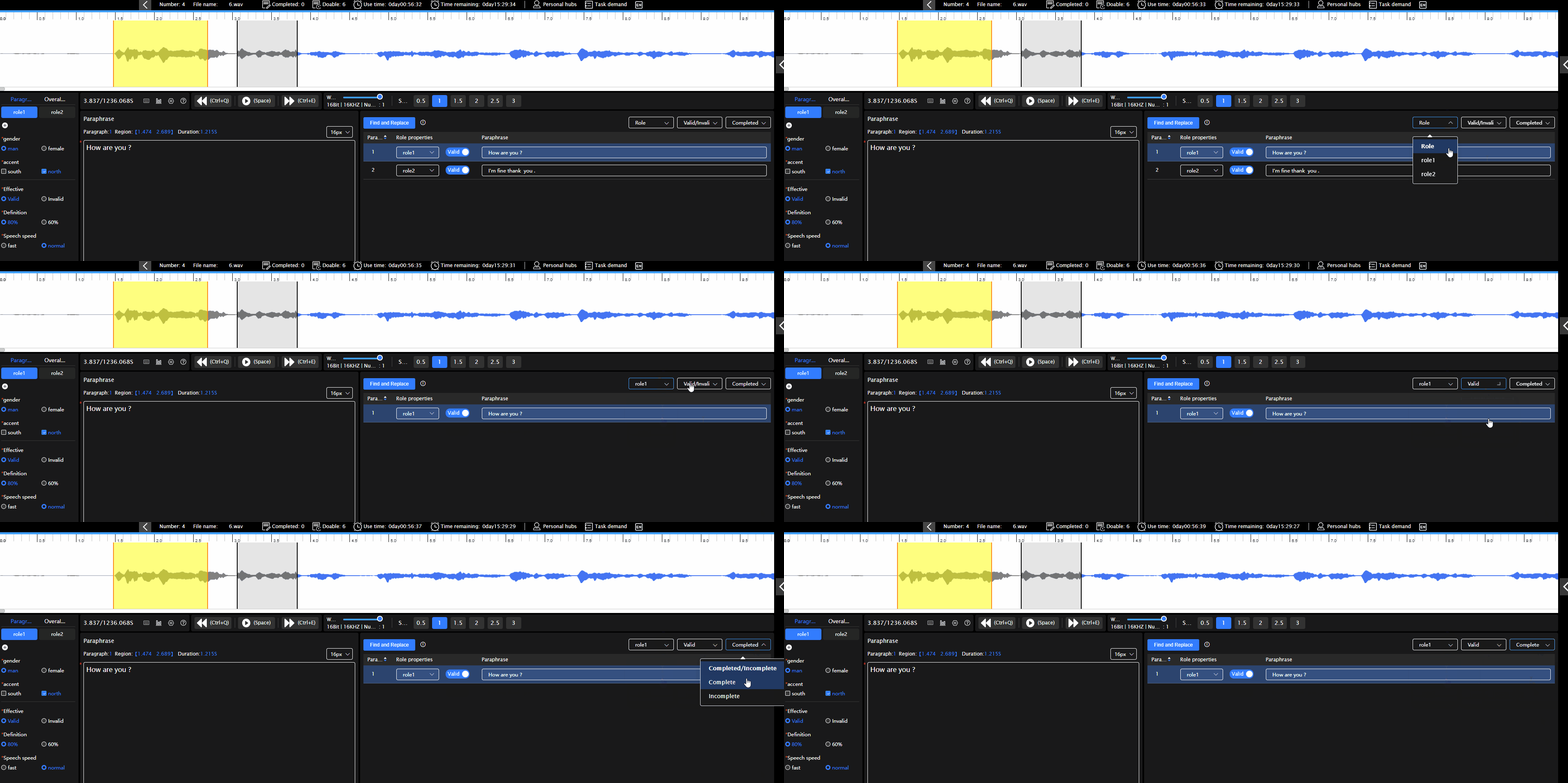
Filter paragraphs: When multiple paragraphs are intercepted, you can filter the paragraph role, validity and completion, or use a combination of three criteria to filte
# Translation Of Speech
Transfer content: Fill in the transfer content of the paragraph in the transfer field, and click the Clear button to clear the transfer field. If the project manager makes transliteration required, each paragraph must be transliterated before submission
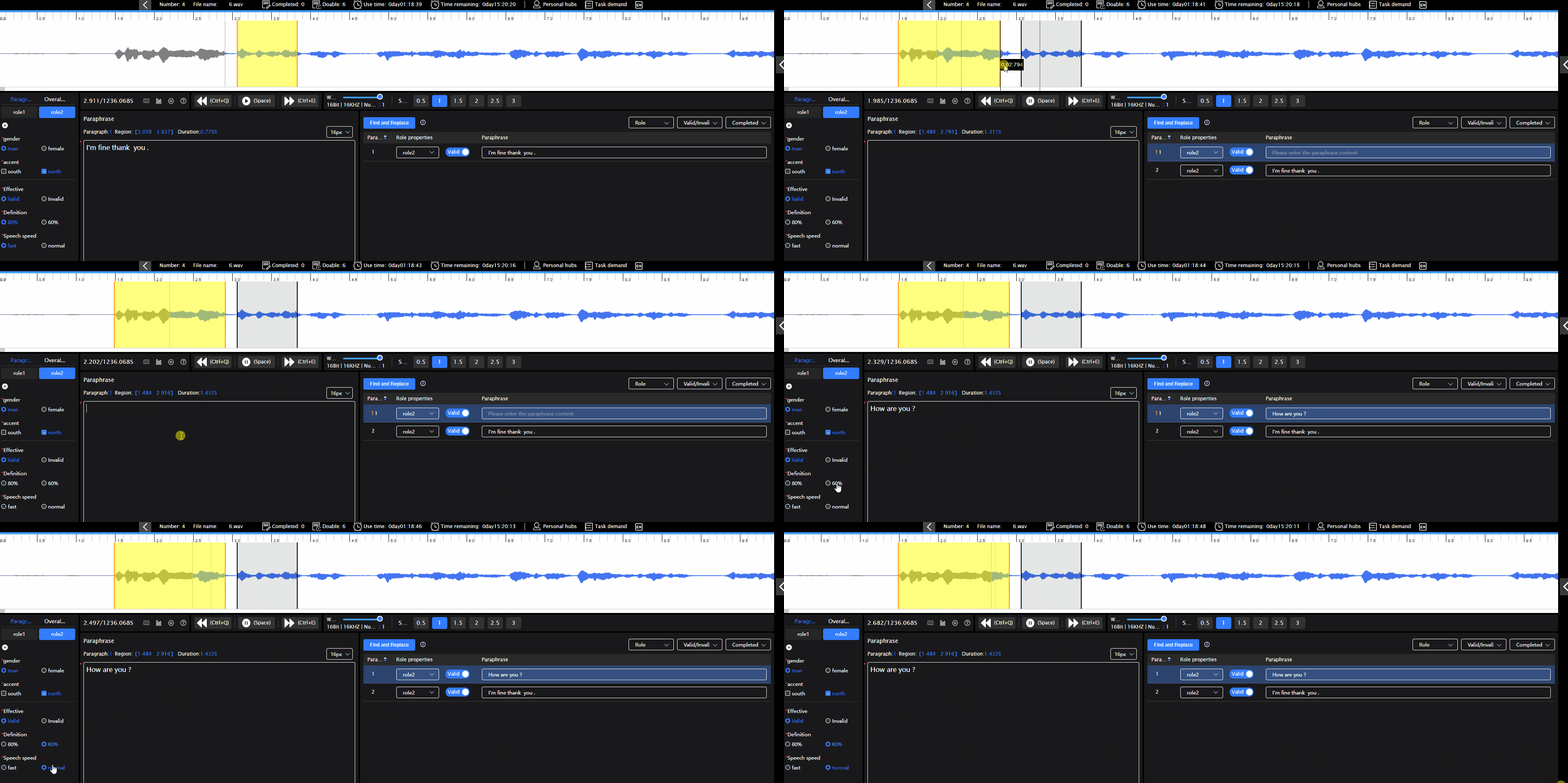
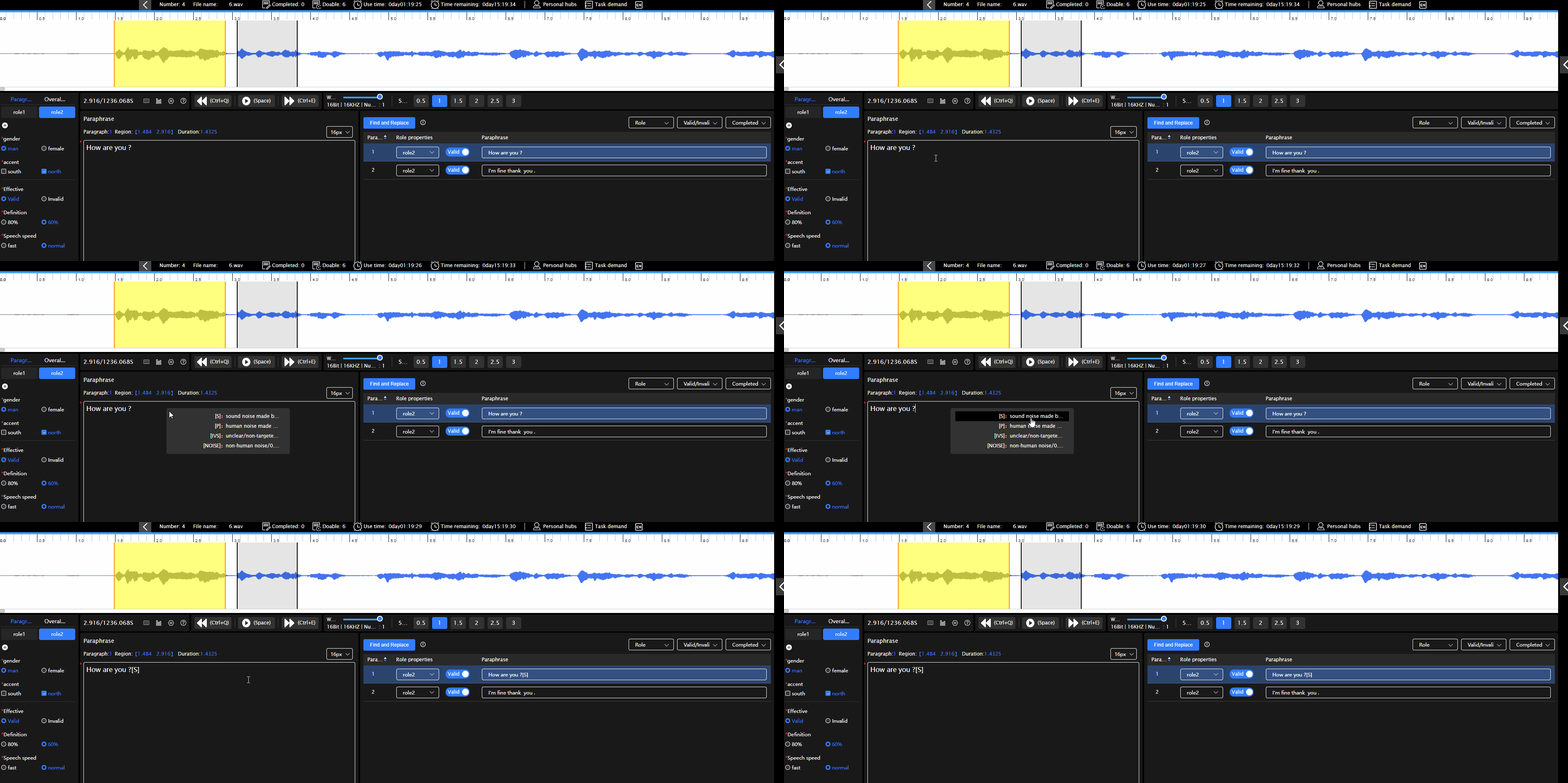
Noise symbols: Right click in the transcribing bar to pop up the noise symbols popup window, left click to select and insert them into the transcribing bar
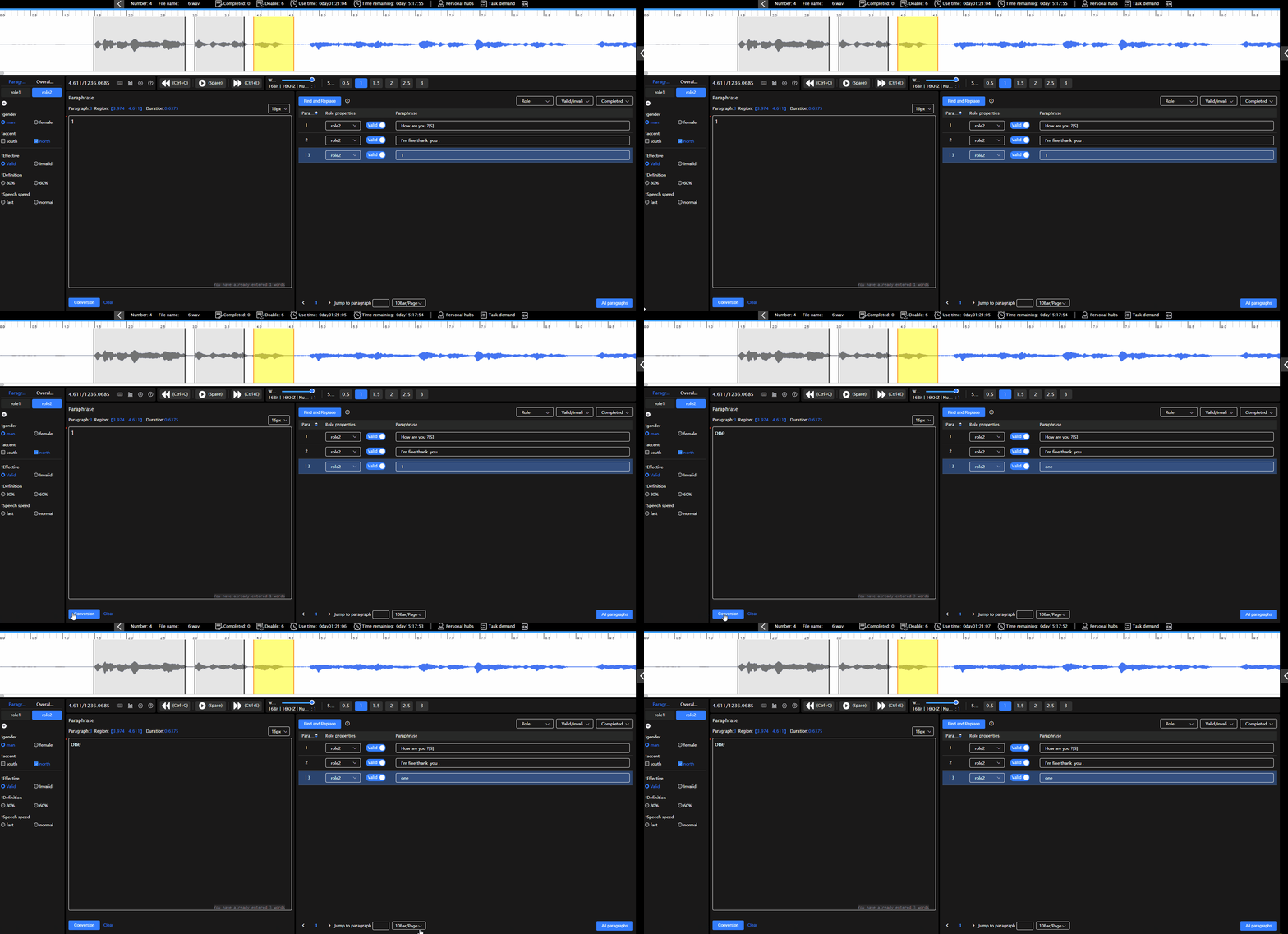
Character conversion: If a character configured with conversion rules is entered in the conversion field, click the conversion character to display the converted character
# Quality Inspection
Overall audio quality inspection: Select incorrect attributes in the overall attributes area. If all attributes are correct, no operation is required
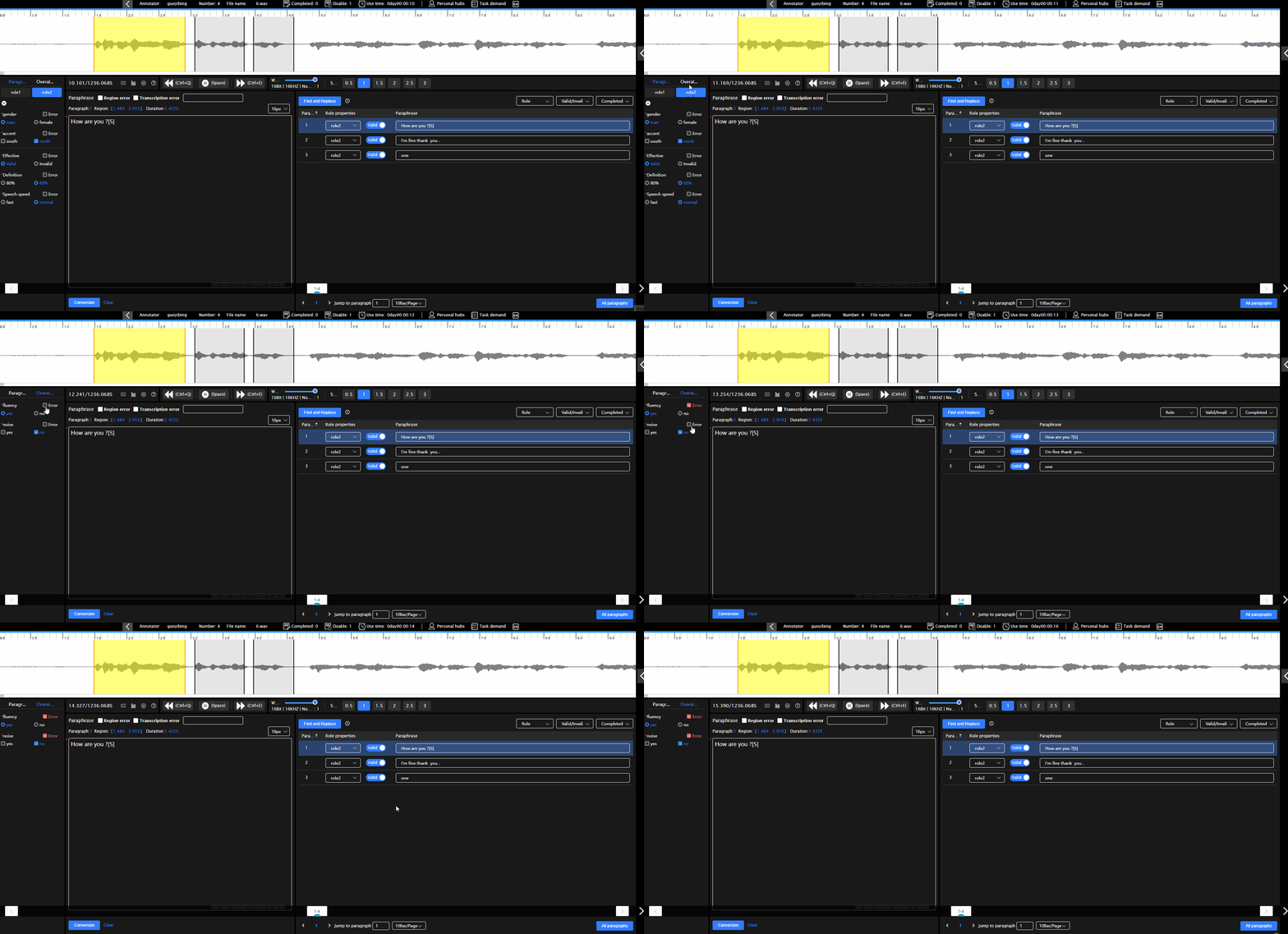
Role attribute inspection: You can select incorrect role attributes in the role attributes area. If all the role attributes are correct, no operation is required
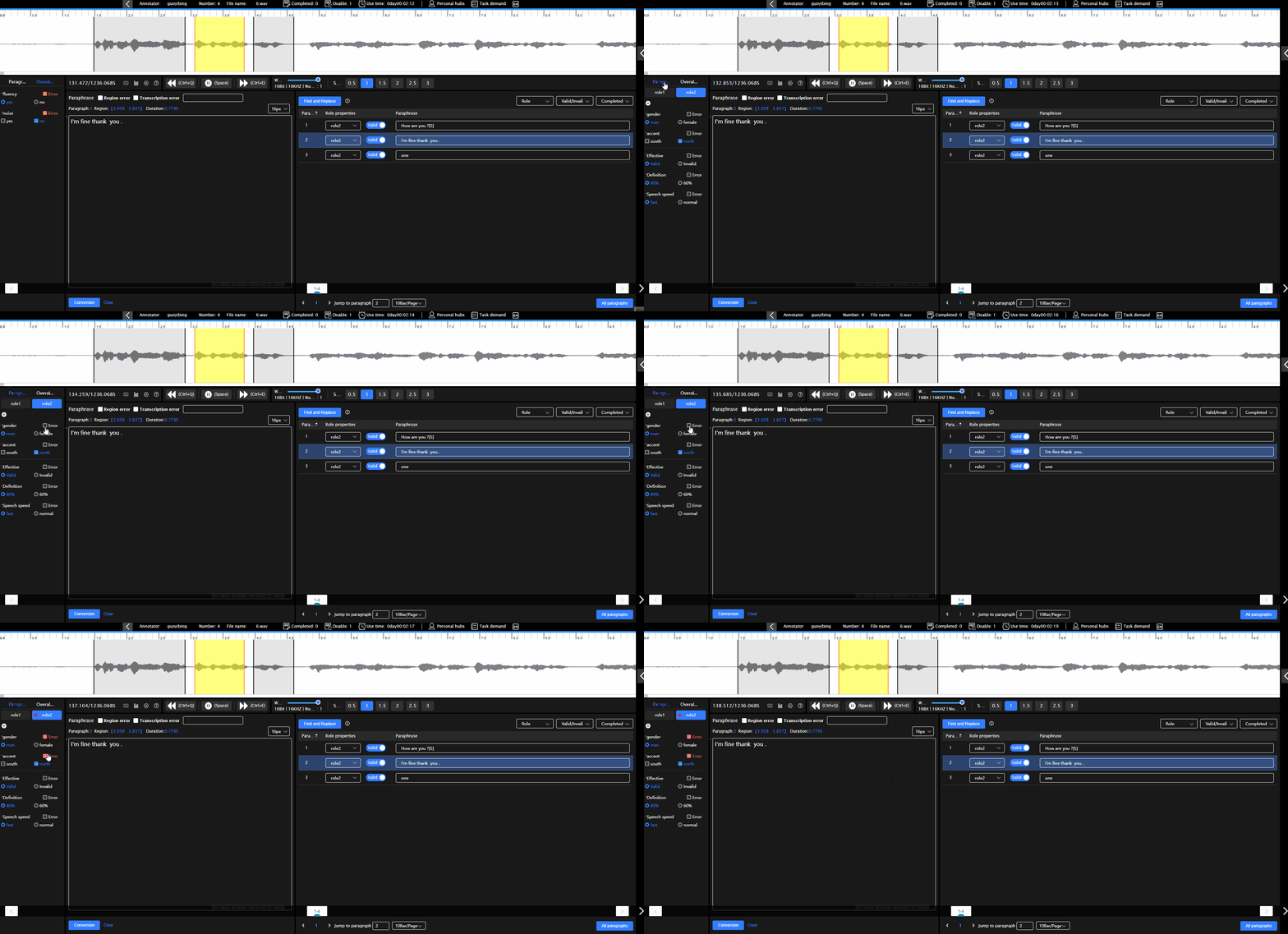
Paragraph inspection: Paragraph inspection is divided into paragraph attribute inspection and transfer content inspection. You can select incorrect paragraph attributes in the paragraph attribute, check the content in the transfer column above the transfer column, and fill in modification suggestions in the transfer error column
# Repair
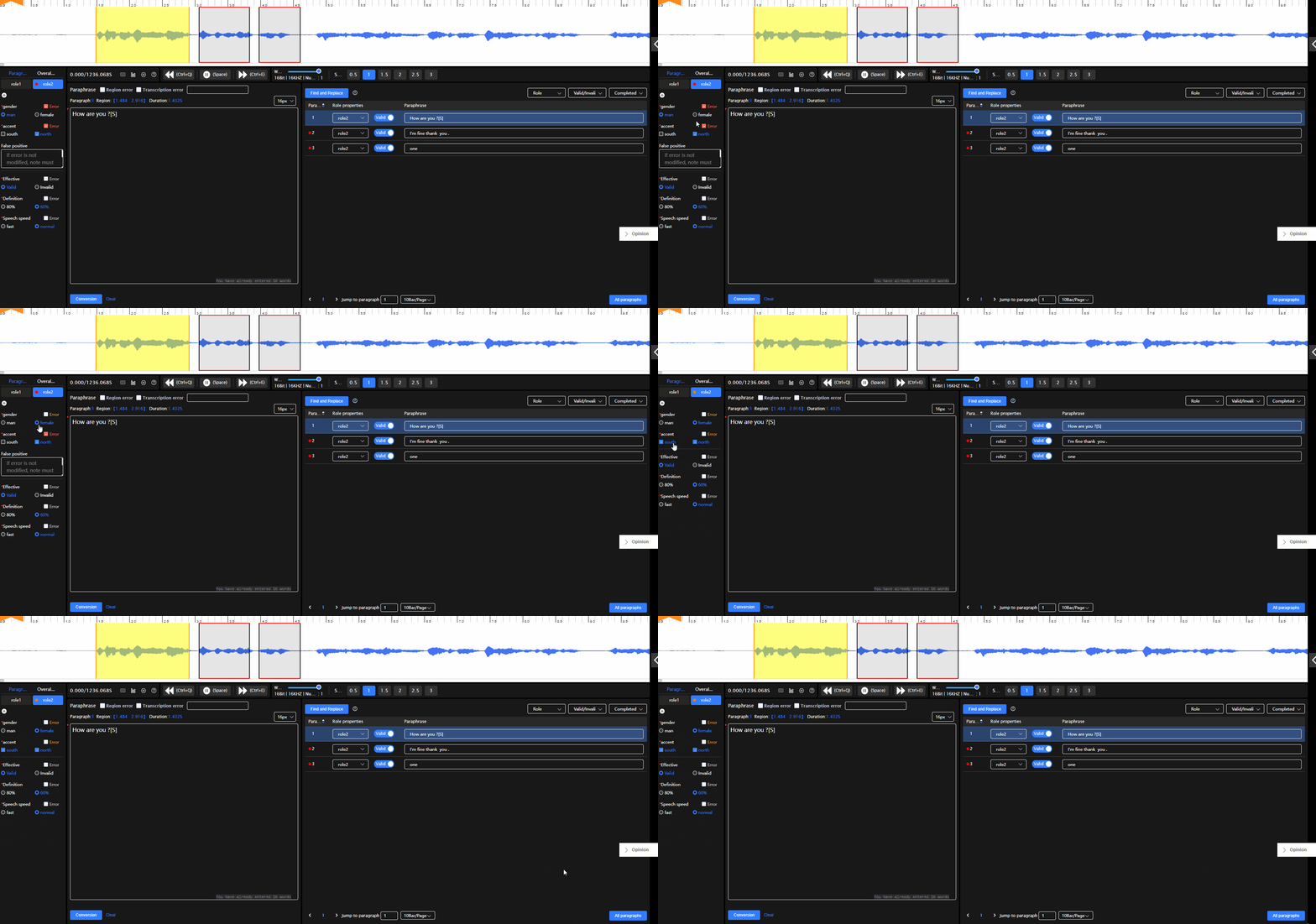
Modify attribute error: If you need to modify the overall audio attribute/role attribute/paragraph attribute, you can directly modify the attribute, and the attribute will automatically change to yellow modified state after the modification is completed
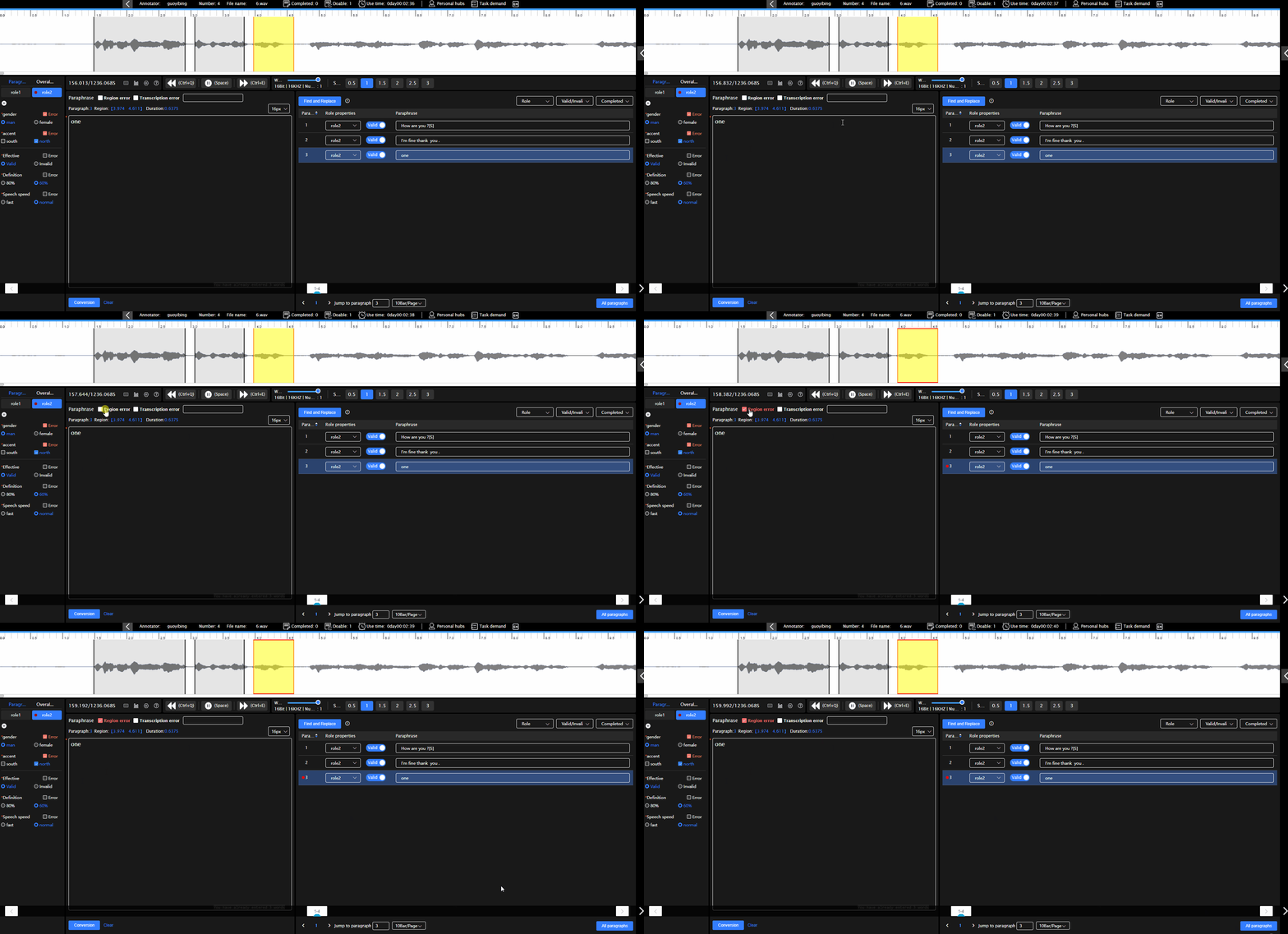
Modify the area error: The position of the paragraph needs to be changed or the length of the paragraph needs to be modified. After moving the paragraph or modifying the length of the paragraph, the area error automatically becomes modified
Modify the transfer content error: You need to modify the content in the transfer column. For details, see the information in the Transfer error column
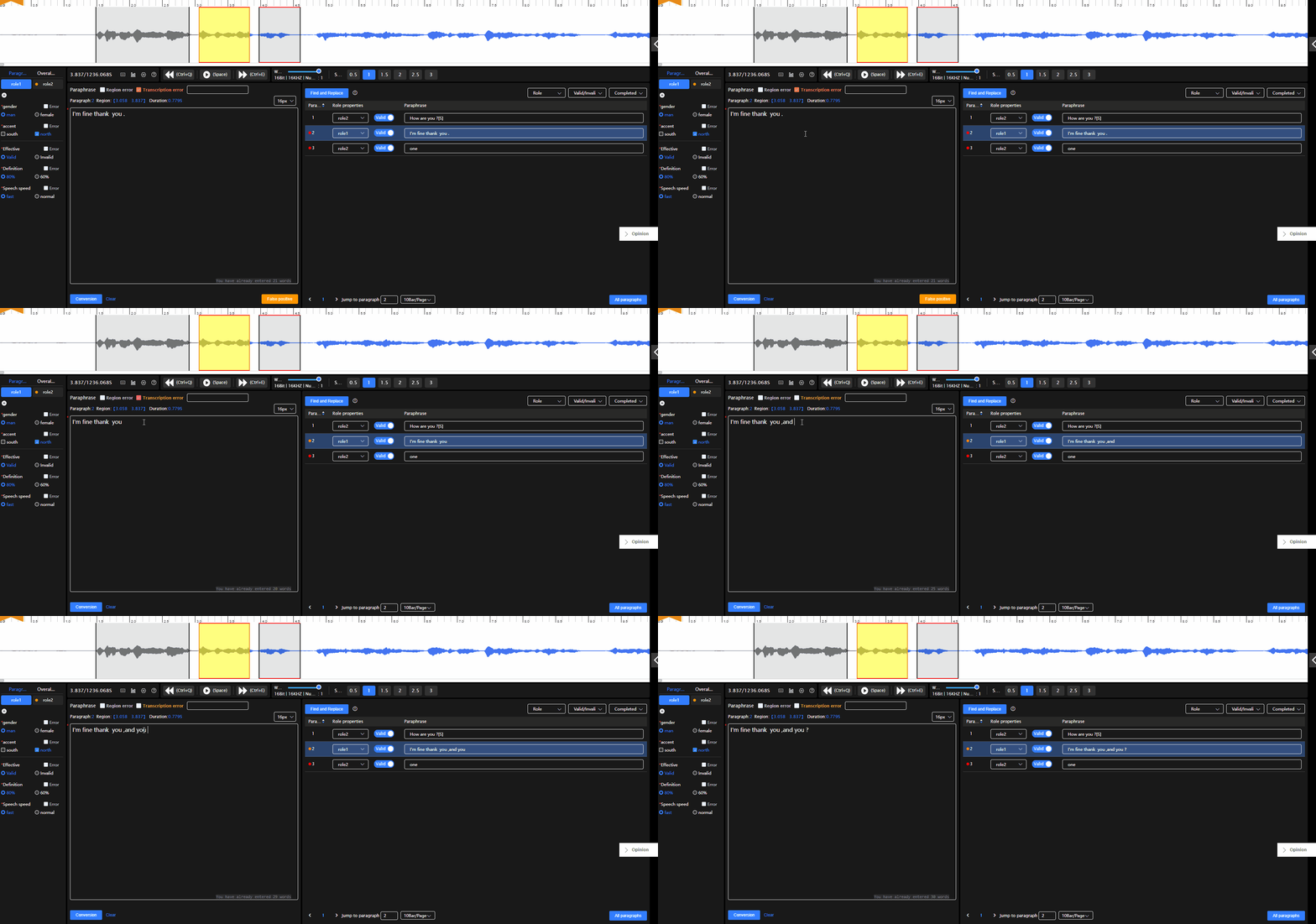
After modifying the attributes, translation errors, and area errors of the paragraph, the paragraph automatically changes to the modified state